



Windows
Windows 10 or 11, 64-bit
Download for Windows
PixmoraSetup.exe · 64-bit · Loading version…
Pixmora picks the best photos, edits them the way you do in Lightroom, retouches portraits and lays out the album. All on your own computer, no uploads.
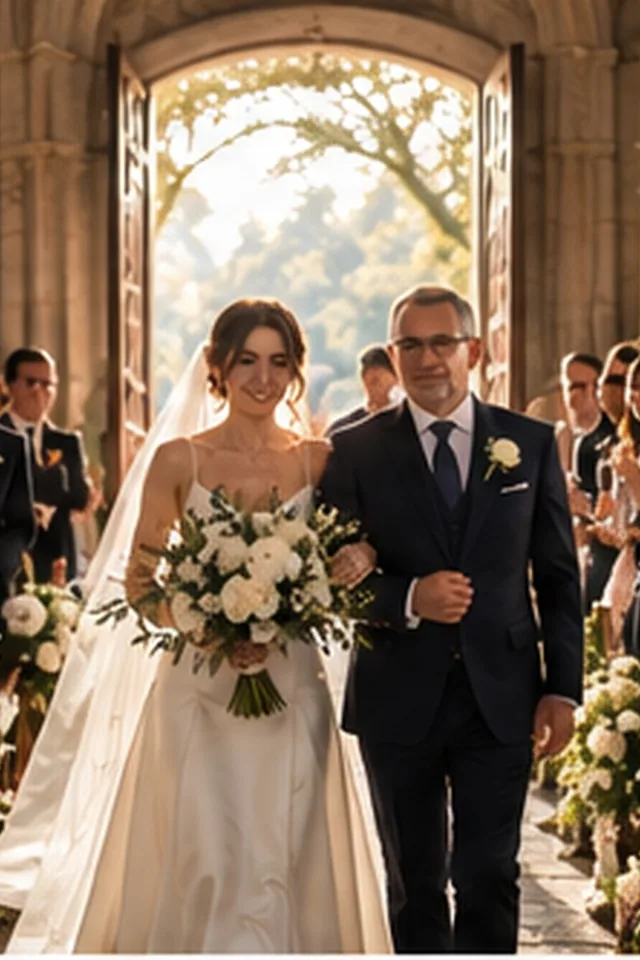
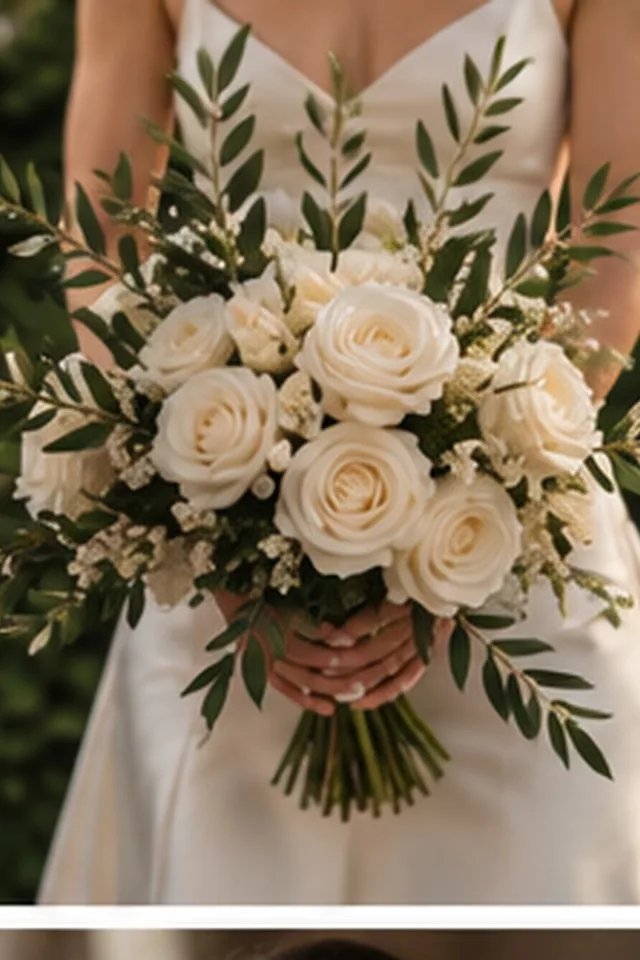
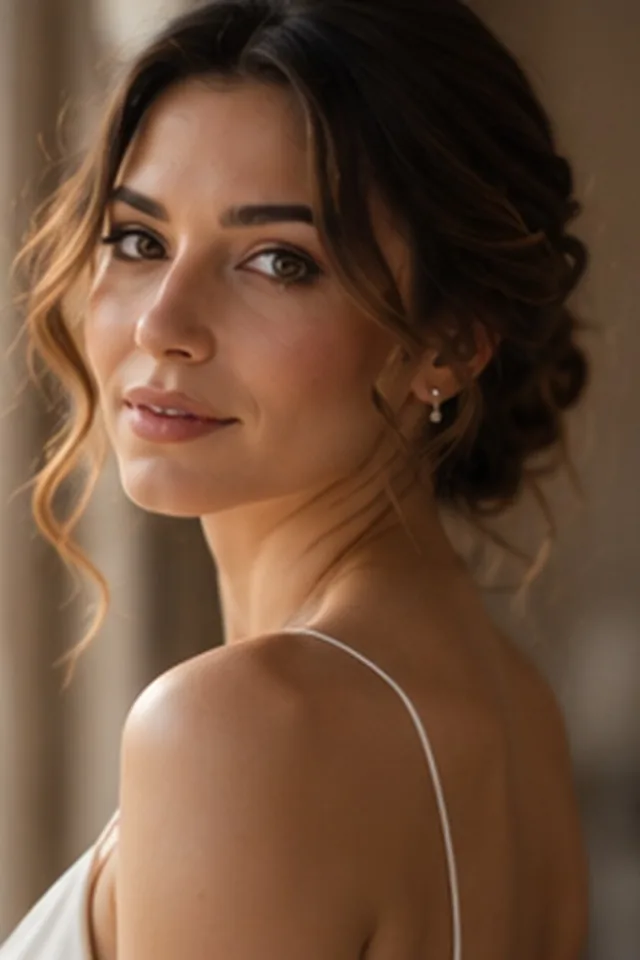
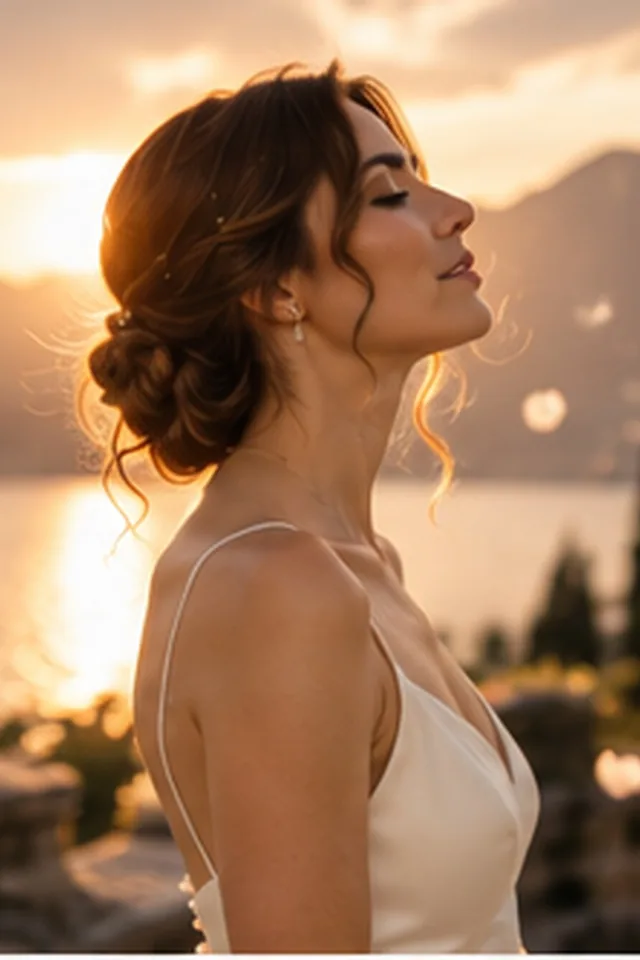
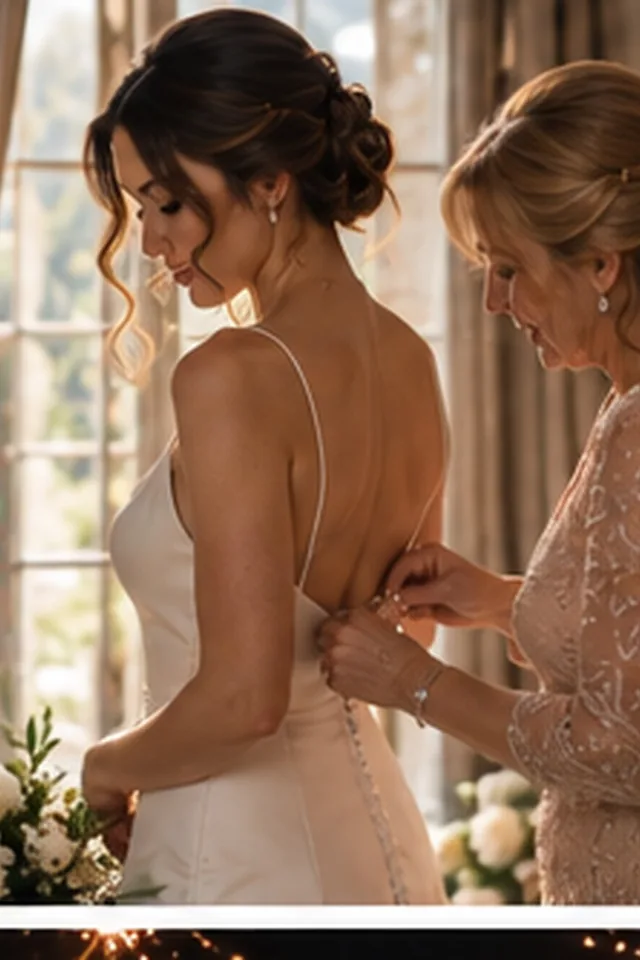
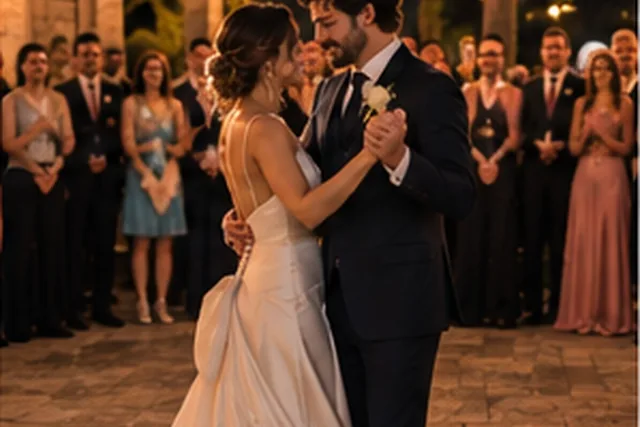
Sample photos are AI-generated; the people shown are not real.
One app for everything after the shoot: selection, editing in your own style, retouching, album design and, soon, delivery to your clients.
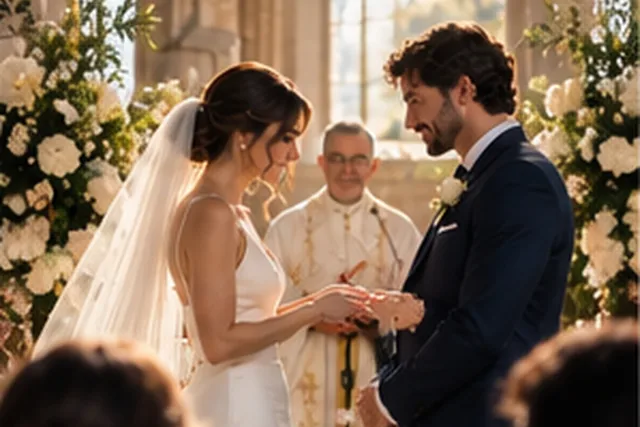
Sample photos are AI-generated; the people shown are not real.
Pixmora groups similar frames, flags closed eyes and blur, and marks the strongest shot in every burst. You review and decide.
All analysis, editing and export run on your own computer. Photos are never uploaded.
7 days free on each computer: every Pro module on day one, then AI selection until day seven. No card needed.
Windows 10 or 11, 64-bit
PixmoraSetup.exe · 64-bit · Loading version…
macOS 14 Sonoma or later, Apple Silicon (M1 or newer)
Pixmora.dmg · Apple Silicon · Loading version…