
Thousands of frames in. A confident shortlist out.
Pixmora reads every frame of the event, groups the near-duplicates, flags the misses and marks the strongest shot of each moment. You stay the editor: review, override, done.
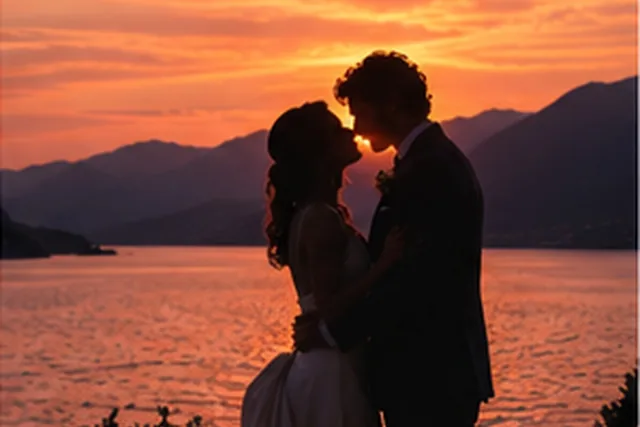
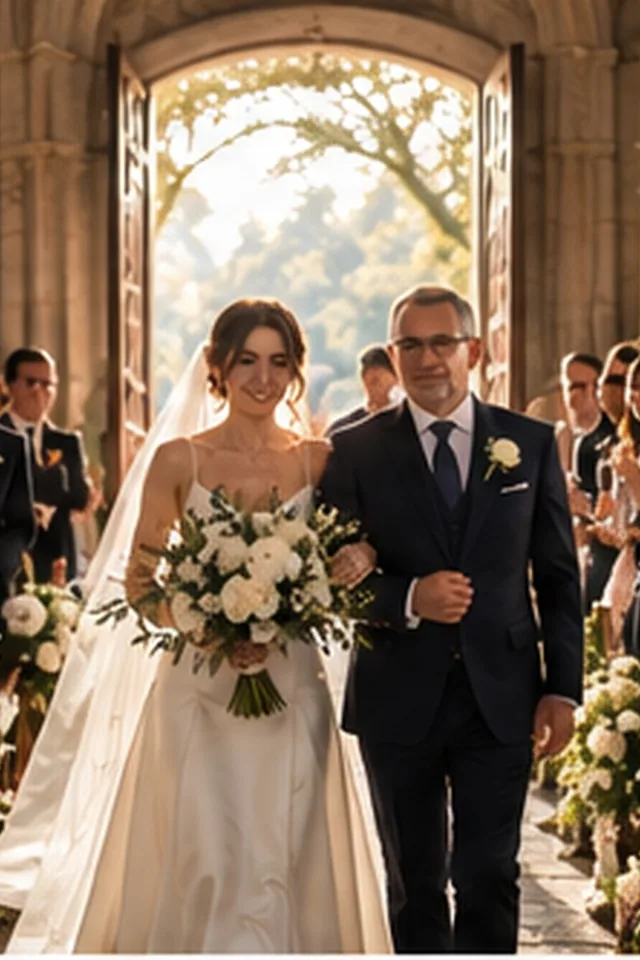
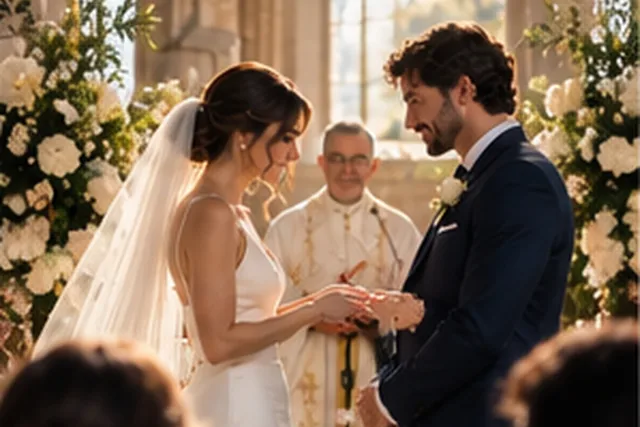
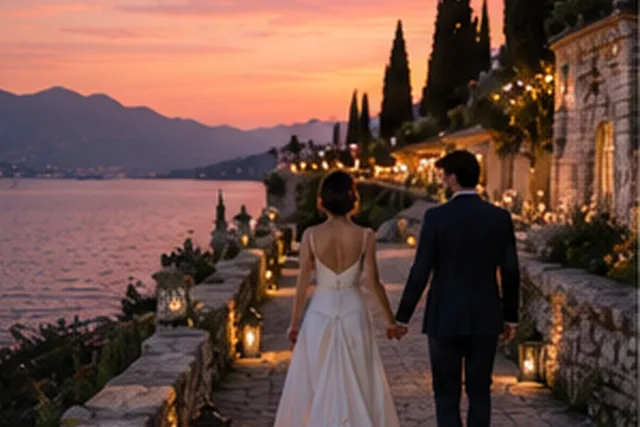
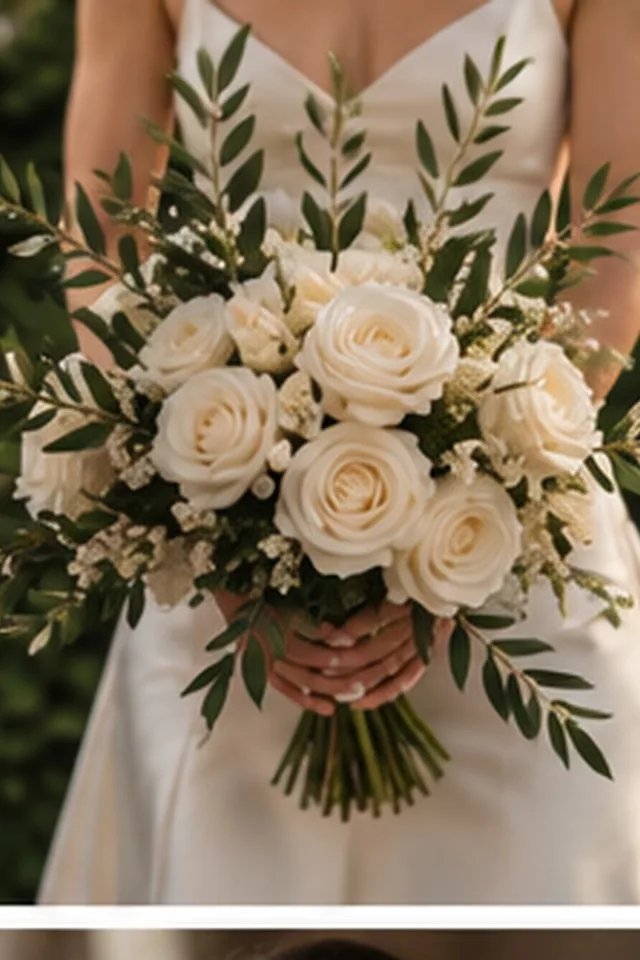
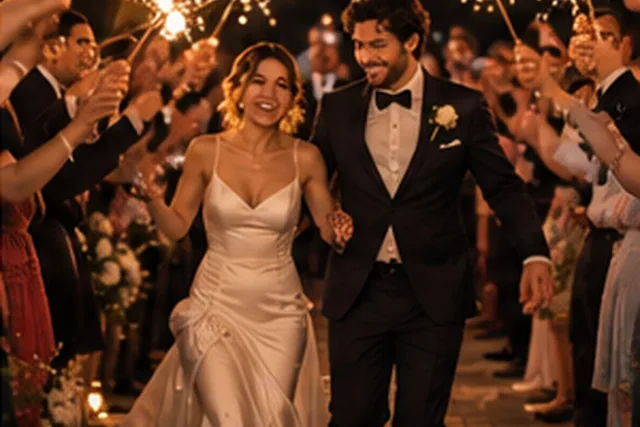
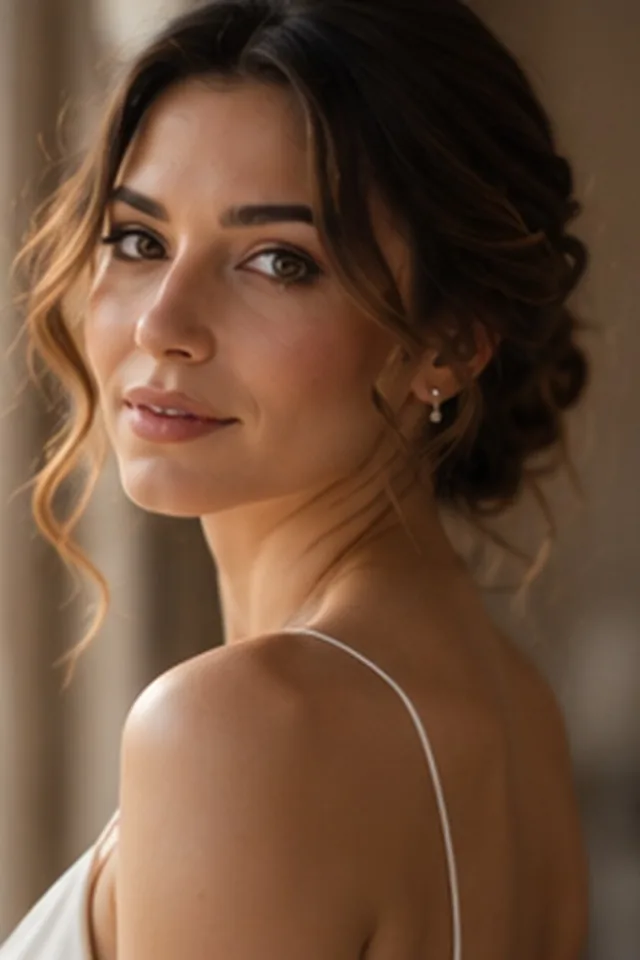
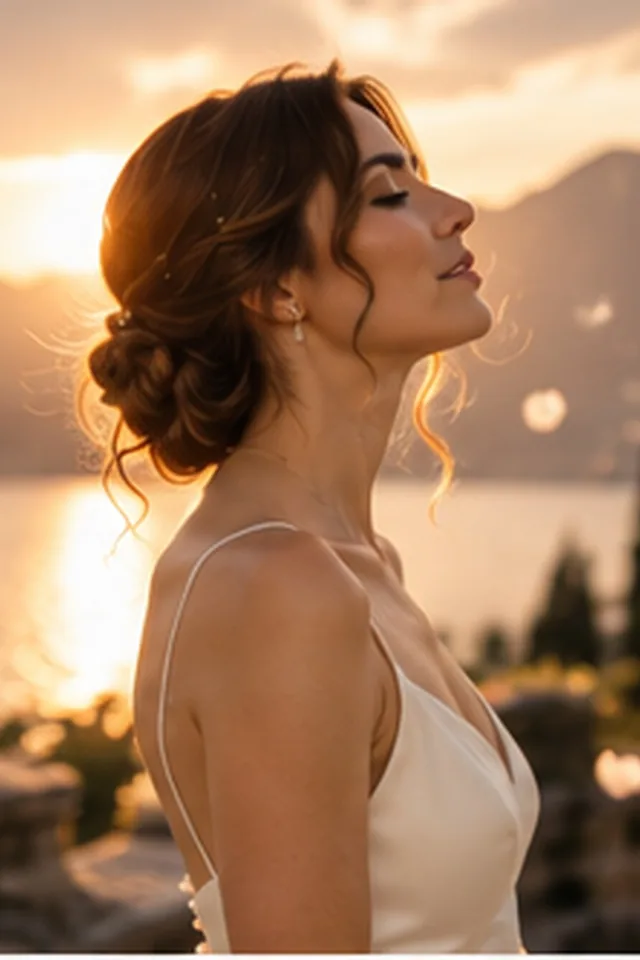
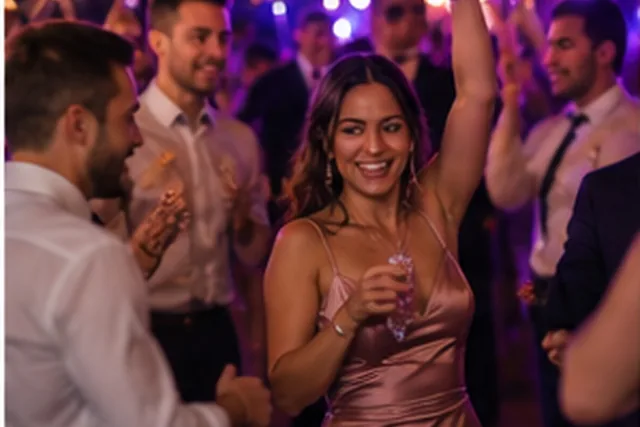
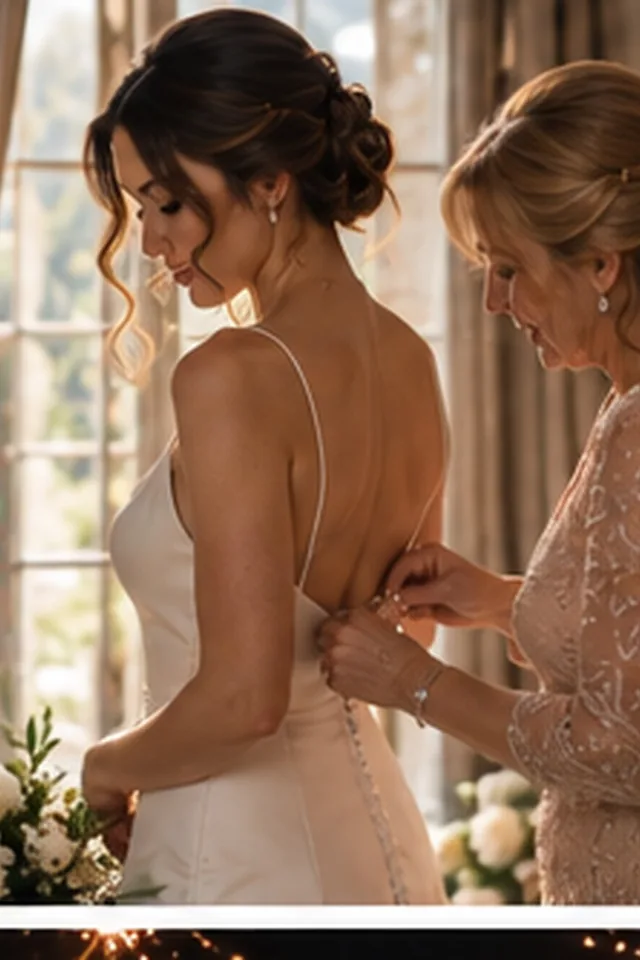
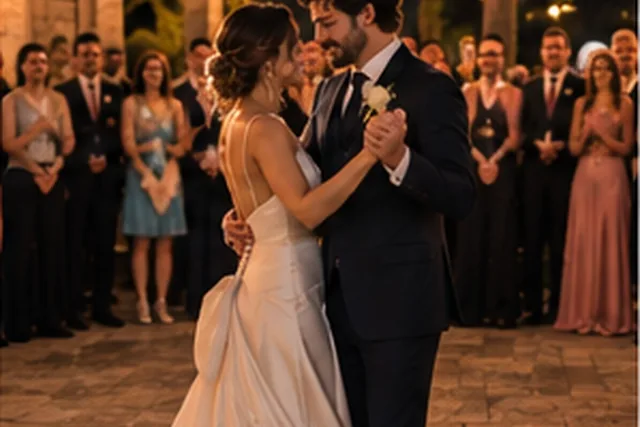
Sample photos are AI-generated; the people shown are not real.
Four steps, all on your computer.
- 01
Import
Choose a folder of RAW files or a Lightroom catalog. Previews are built locally.
- 02
Analyse
Faces, eyes, sharpness and similarity are read on your own computer.
- 03
Review
Kept, to review and rejected, with the reason shown on each frame.
- 04
Send
Ratings and colour labels go to Lightroom as XMP, next to your files.
Similar-frame grouping
Bursts and near-duplicates are stacked so you compare like with like.
Closed eyes and blur
Frames with shut eyes or motion blur are flagged, never deleted.
Best of the burst
The strongest frame in each group is marked as a suggestion.
Lightroom ratings
Stars and labels written to XMP sidecars that Lightroom reads directly.
Other modules
Try Pixmora on your next wedding.
Seven days free on your own photos, with every Pro module on day one. No card needed.