
Natural portraits, every frame, every person.
Skin, eyes and teeth retouched with real texture kept. Pixmora recognises the same person across the set, so the bride gets the same treatment in the first portrait and the last dance.
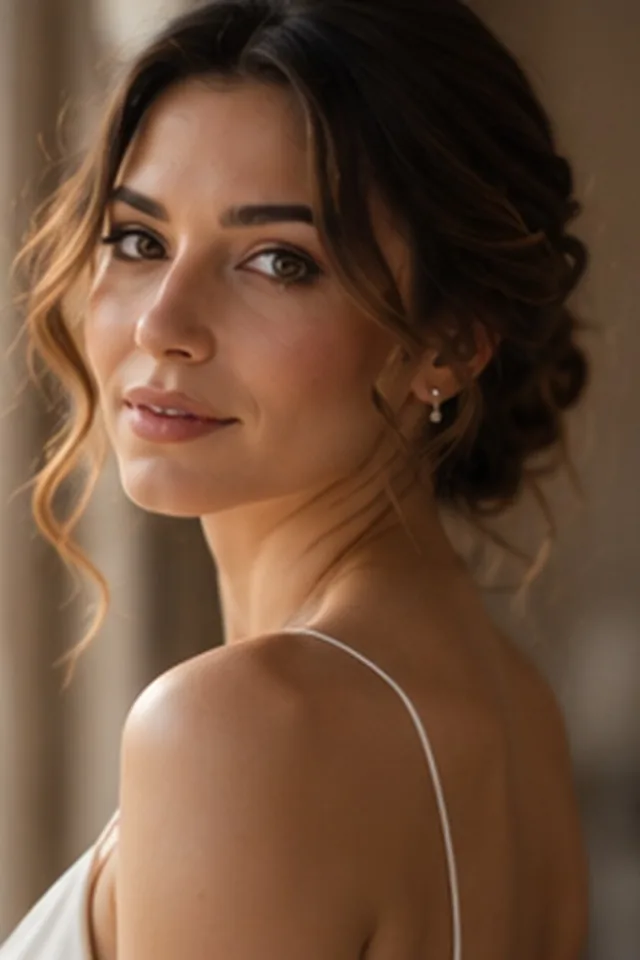
Sample photos are AI-generated; the people shown are not real.
Four steps, all on your computer.
- 01
Detect
Faces are found and grouped by person across the selection.
- 02
Set
Choose a strength for skin, eyes, teeth and dark circles, per person.
- 03
Apply
The same settings follow that person through every frame.
- 04
Export
Final images at full resolution, ready for delivery.
See the difference.
Drag across the frame to compare. This is an illustration; real before/after examples from photographers' work are on their way.
Texture kept
Smoothing that respects pores and fine detail, not plastic skin.
Eyes and teeth
Brighter eyes and whiter teeth, kept believable.
Per person
Different strengths for different people in the same set.
Consistent
One decision applied to every frame of that person.
Other modules
Try Pixmora on your next wedding.
Seven days free on your own photos, with every Pro module on day one. No card needed.