
Album Design
A first album draft, laid out from your selection.
Pixmora places your best frames into spreads that follow the day, from getting ready to the last dance, with balanced colour on every page. You rearrange, swap and export at your print lab's size.
AvailableIncluded in Studio.
Wedding · Ceremony & Reception
Spread 1 / 4 · Getting ready
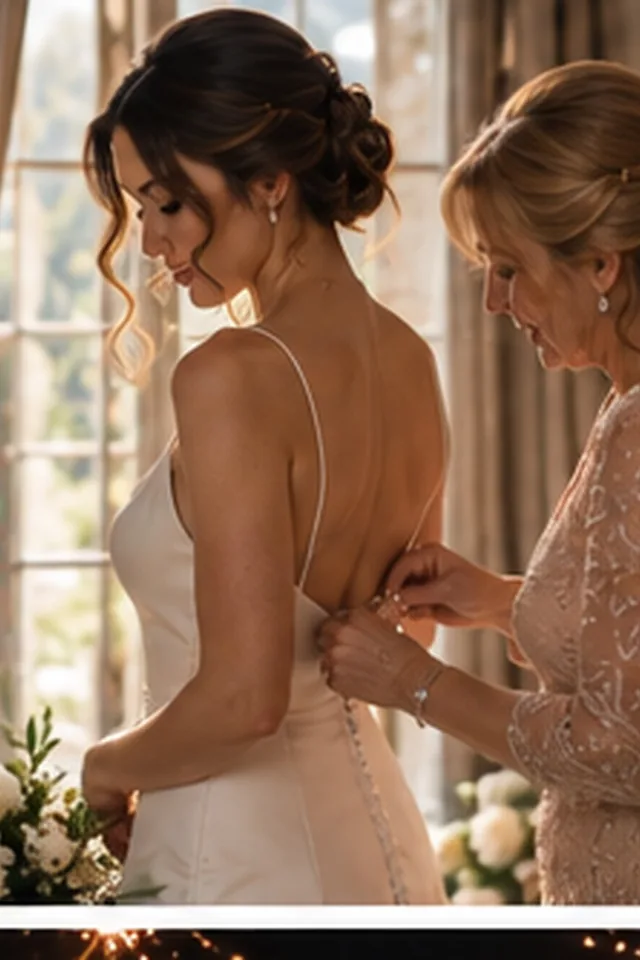
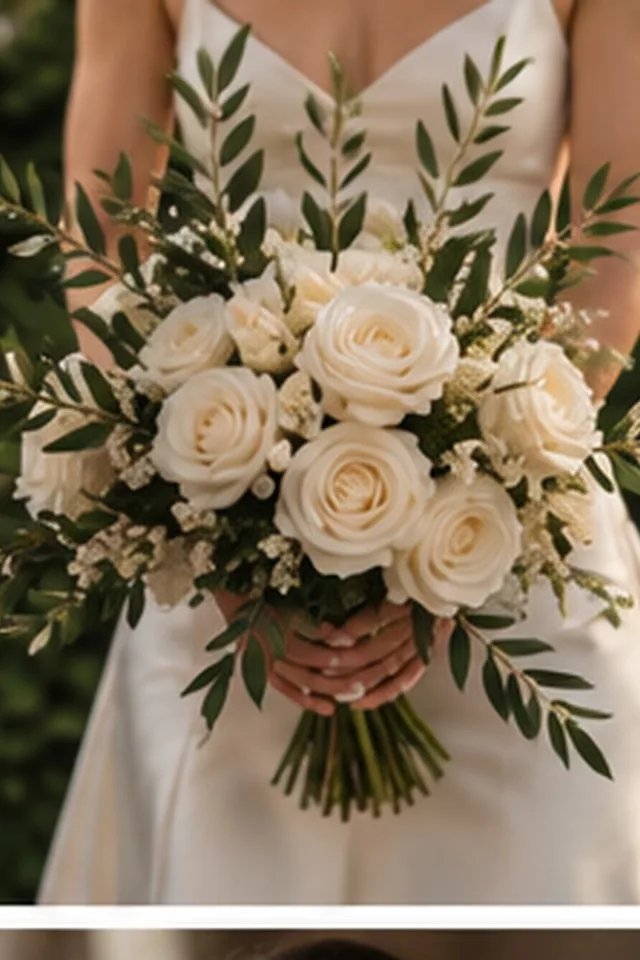
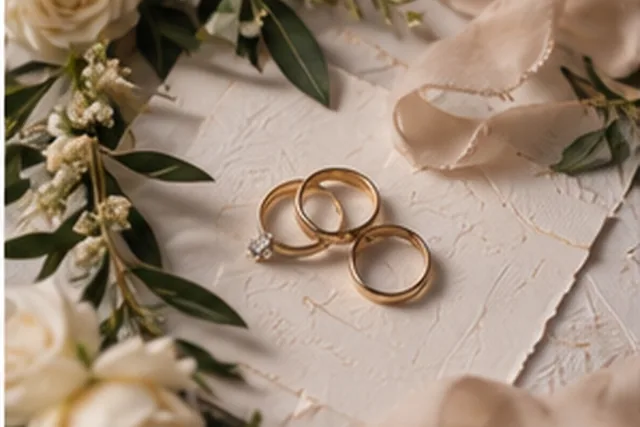
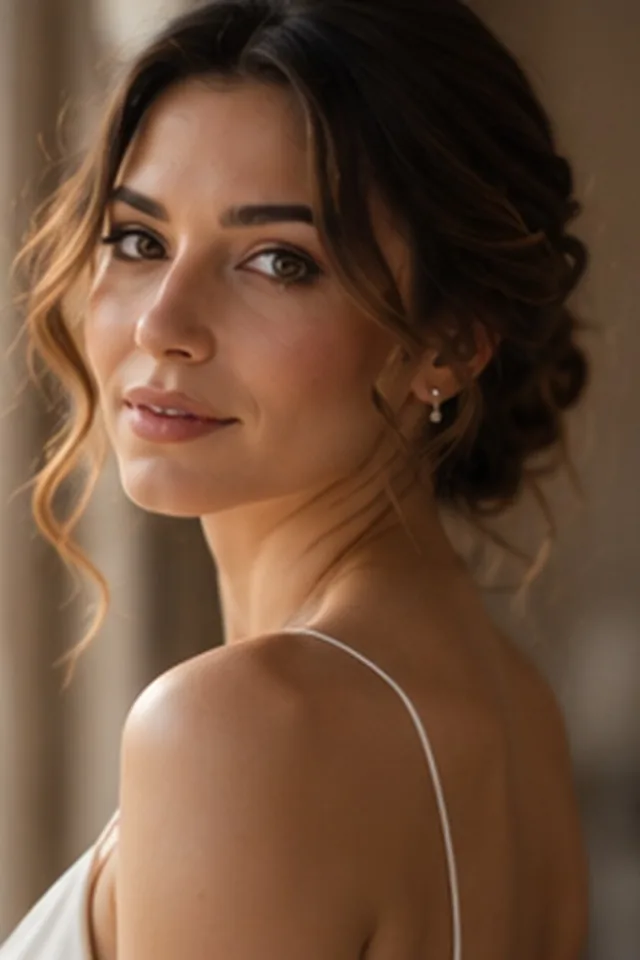
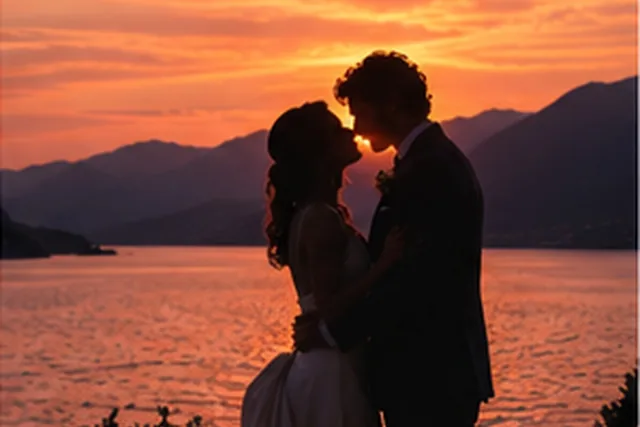
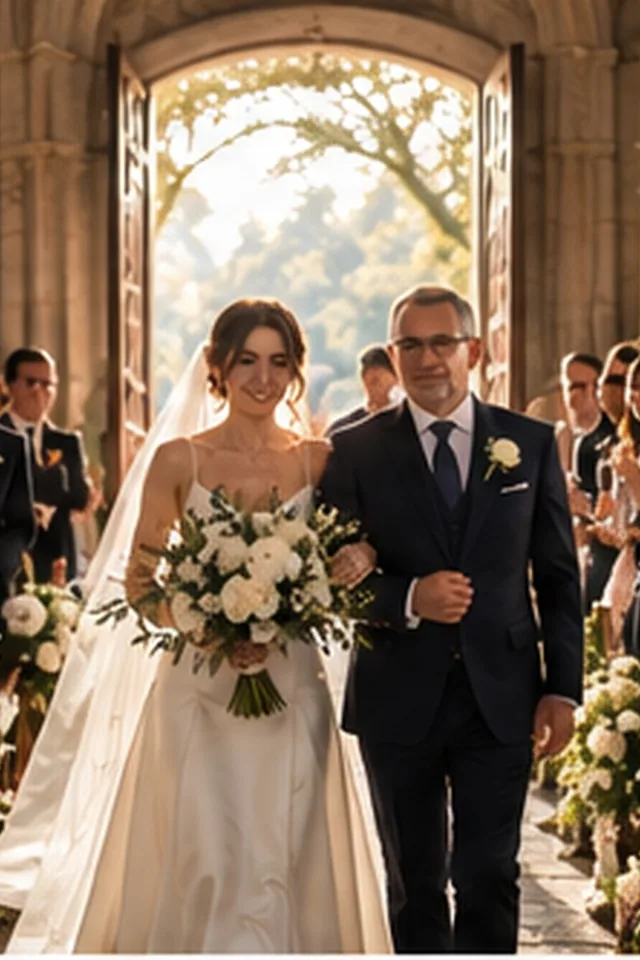

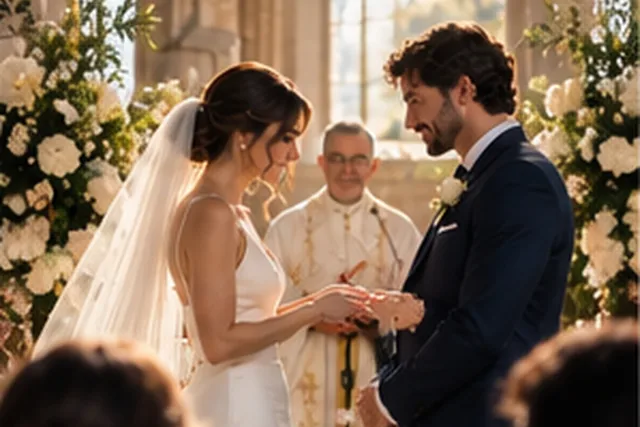
Sample photos are AI-generated; the people shown are not real.
How it works
Four steps, all on your computer.
- 01
Select
Start from your kept and edited frames.
- 02
Lay out
Spreads are built in chronological order with balanced colour.
- 03
Refine
Swap photos, change layouts and reorder spreads.
- 04
Export
JPEG or PDF at the exact size your print lab needs.
Story order
The day's moments in sequence, without manual sorting.
Spread layouts
Clean layouts that are easy to rearrange.
Print sizes
Square, landscape and portrait formats, from 20 cm to 40 cm.
Clean exports
Print-ready files with no seams at the spine.
Other modules
Try Pixmora on your next wedding.
Seven days free on your own photos, with every Pro module on day one. No card needed.