Intelligence Behind Every Frame.
Pixmora combines computer vision, RAW development and machine learning trained on your own work, and runs all of it on your computer.
Computer Vision
Models that read faces, eyes, sharpness and similarity across a burst, to sort thousands of frames.
RAW Image Processing
Native RAW development for Nikon, Canon, Sony, Fujifilm, Panasonic, Olympus, plus DNG, JPEG and TIFF.
AI-Assisted Editing
A style model trained on your own Lightroom edits, applied consistently as the light changes through the day.
Workflow Automation
Import, cull, edit, retouch and lay out an album in one pass, with results written back to Lightroom.
Local-First Architecture
Everything runs on your own computer. No uploads, no queues, no per-photo credits, and up to 30 days offline.
Privacy and Security
Photos, catalogs and styles stay on your drive. Licenses are cryptographically signed; the server sees only license data.
Where your data goes. And where it doesn't.
Everything inside the dashed line happens on your computer. The only request that leaves it is the license check.
On your computer
RAW files, previews, Lightroom catalogs, your style model, edits, retouching and albums.
To our server
Your license key, an anonymous computer ID (an irreversible fingerprint) and the app version.
Never
Photos, thumbnails, faces, catalogs or editing settings.
Import → Cull → Edit → Retouch → Design → Deliver.
One continuous pass, from the memory card to the client. Pixmora handles the repetitive part; you keep the creative decisions.
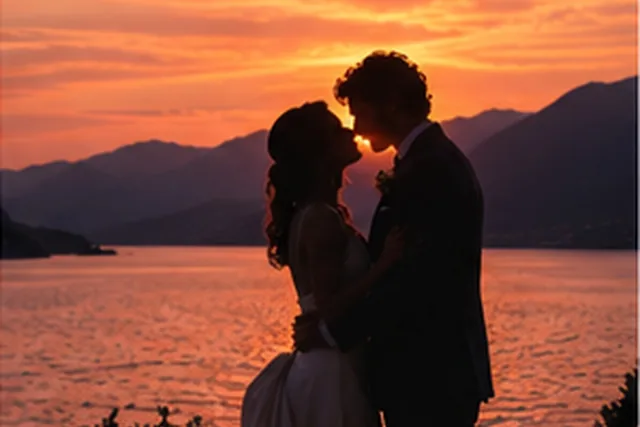
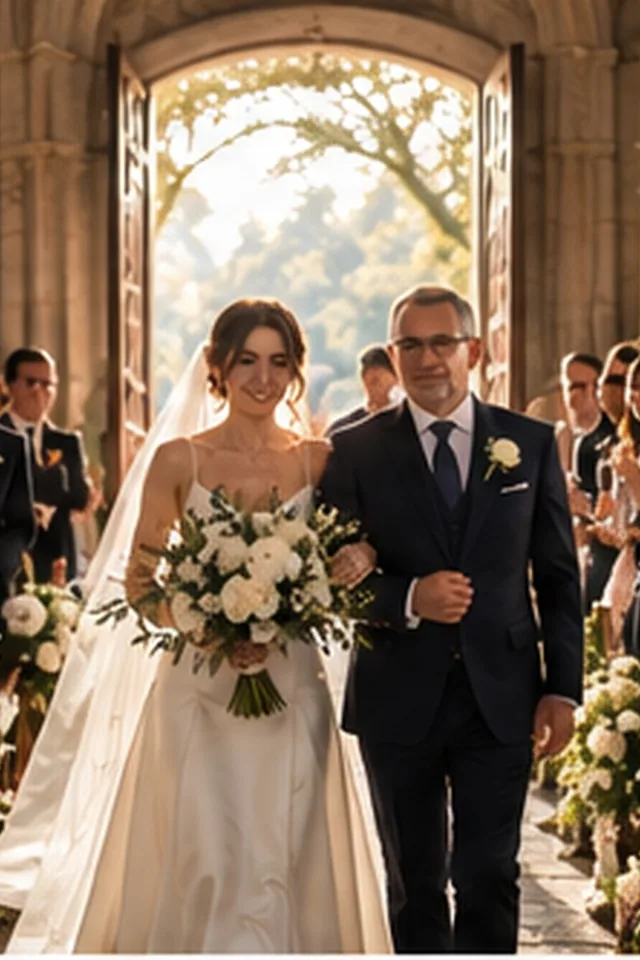

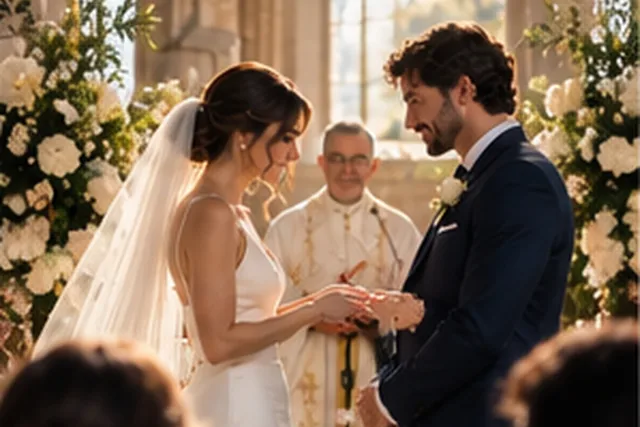







Step 1
Point Pixmora at a folder of RAW files or at your Lightroom catalog.
Step 2
Similar frames are grouped, misses are flagged, the best of each burst is marked.
★ BestStep 3
Your style, learned from your Lightroom work, applied across the whole event.
Step 4
Skin, eyes and teeth refined per person, with natural texture kept.
Step 5
A first album draft, spread by spread, in the order of the day.
Step 6
Ratings and edits to Lightroom, final JPEGs, a print-ready album.
✓ Lightroom XMP✓ Final JPEG✓ Album PDF
Put the technology to work.
Seven days free on your own photos, with every Pro module on day one. No card needed.