
Your editing style, applied to the whole wedding.
Pixmora learns how you edit from your own Lightroom work: exposure, white balance, colour. Then it applies that look consistently, frame after frame, as the light changes from the church to the dance floor.
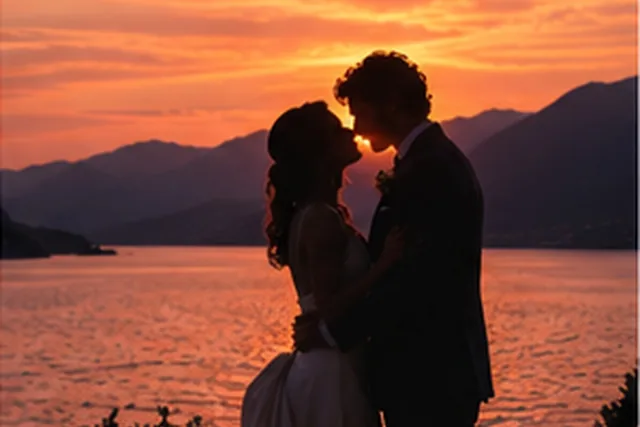
Sample photos are AI-generated; the people shown are not real.
Four steps, all on your computer.
- 01
Teach
Point Pixmora at catalogs or exports you have already edited.
- 02
Learn
A style model is trained on your computer. It never leaves it.
- 03
Apply
Develop settings are proposed for every kept frame of a new event.
- 04
Finish
Edits travel back to Lightroom for your final touches.
See the difference.
Drag across the frame to compare. This is an illustration; real before/after examples from photographers' work are on their way.
Learned from you
No generic presets: the reference is your own edited work.
Consistent light
Exposure and white balance stay coherent across changing scenes.
Non-destructive
Develop settings, not baked pixels. Adjust anything afterwards.
RAW native
Works on the original RAW files from all major camera brands.
Other modules
Try Pixmora on your next wedding.
Seven days free on your own photos, with every Pro module on day one. No card needed.